

If you want to blacklist an email address in cPanel, you can do so using cPanel’s inbuilt spam filter. The steps to do this are:
- Login to cPanel
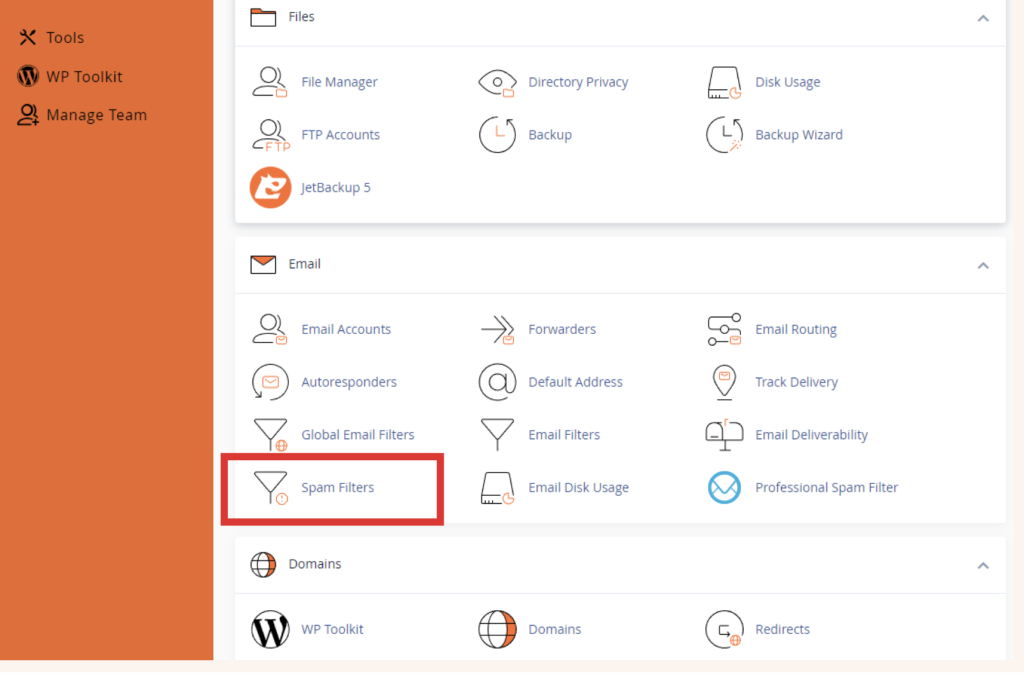
- Click on Spam Filters under Email
- Ensure that the spam filter is enabled by clicking on the switch next to Process New Emails and Mark them as Spam

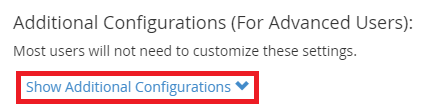
- At the bottom of the page, click on Show Additional Configurations
- Click on Edit Spam Blacklist Settings
- Click on Add New Blacklist From Item
- Input the email address you want to blacklist in the blacklist_from field
- Click Update Blacklist (blacklist_from)